
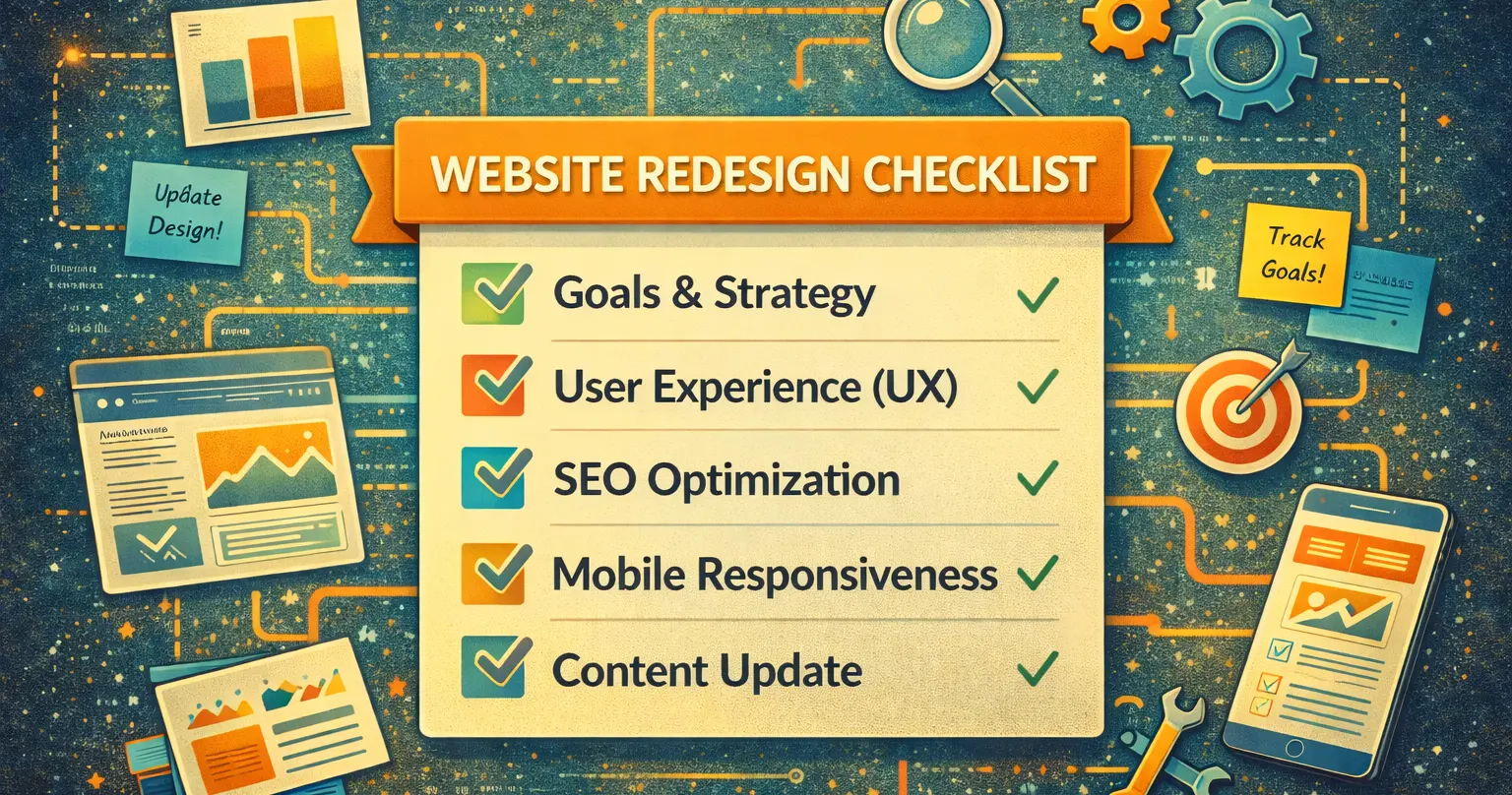
Introduction: Why a Website Redesign Checklist Is Essential
In today’s competitive digital landscape, a well-planned website redesign checklist is critical for ensuring a successful launch. Your website is often the first interaction customers have with your brand, so it needs to leave a lasting impression. Whether you’re improving functionality, optimizing for SEO, or rebranding, a website redesign checklist ensures no critical steps are overlooked.
This guide provides a comprehensive website redesign checklist to help you plan, execute, and optimize your site for success.
Pre-Redesign Planning: The Foundation of Success
A successful website redesign starts with meticulous planning. Before diving into design and development, take the time to evaluate your current site and set clear goals.
1. Define Your Goals and Objectives
What do you hope to achieve with your redesign? Common objectives include:
- Enhancing user experience (UX)
- Improving mobile responsiveness
- Boosting SEO rankings
- Increasing conversions
- Aligning with a rebrand
Defining these goals will guide your website redesign checklist and help measure success.
2. Conduct a Comprehensive Website Audit
Before making changes, analyze your current site to identify what’s working and what isn’t. Focus on:
- Traffic analytics: Which pages perform best? Where do users drop off?
- SEO performance: Are there technical issues or keyword gaps?
- Content quality: Is your content engaging and up-to-date?
- Design flaws: Is your site visually appealing and easy to navigate?
Tools like Google Analytics and SEMrush are invaluable for this step.
3. Understand Your Audience
Your audience should be at the center of your website redesign checklist. Gather insights into their:
- Demographics: Age, gender, location, etc.
- Behavior: How do they interact with your site? What devices do they use?
- Pain points: What problems are they trying to solve?
Use tools like Hotjar to track user behavior and gather feedback.
4. Research Competitors
Analyze competitor websites to identify trends and opportunities. Look at:
- Their design and layout
- The type of content they publish
- Their SEO strategy and keyword usage
This research will help you create a site that stands out.
Design and Development: Bringing Your Vision to Life
The design and development phase is where your checklist takes shape. Focus on creating a site that is visually appealing, functional, and optimized for performance.
5. Create a Sitemap and Wireframes
A sitemap outlines your site’s structure, while wireframes provide a visual blueprint of each page. These tools ensure a logical flow and user-friendly navigation.
- Use tools like Figma or Lucidchart to create your sitemap and wireframes.
- Prioritize simplicity and clarity.
6. Focus on Mobile-First Design
With mobile devices accounting for the majority of web traffic, a mobile-first design is essential. Ensure your site is:
- Fully responsive across all devices
- Optimized for fast loading times
- Easy to navigate on smaller screens
7. Integrate SEO Best Practices
SEO should be a core part of your website redesign checklist. Key considerations include:
- Keyword research: Target high-value keywords for each page.
- URL structure: Use clean, descriptive URLs.
- Meta tags: Write compelling title tags and meta descriptions.
- Alt text: Optimize images with descriptive alt text.
For more tips, check out Moz’s SEO Guide.
Content Strategy: The Heart of Your Website
Your content is just as important as your design. A strong content strategy ensures your site engages visitors and ranks well in search engines.
8. Audit and Update Existing Content
Review your current content to determine what to keep, update, or remove. Focus on:
- Rewriting outdated information
- Improving readability and structure
- Adding internal and external links
9. Create New, Engaging Content
Identify content gaps and create new pages or blog posts to fill them. Consider:
- Writing in-depth guides and tutorials
- Adding case studies or testimonials
- Creating multimedia content like videos or infographics
10. Choose the Right CMS
A content management system (CMS) like WordPress or Prismic makes it easy to manage and update your site. Choose a platform that fits your needs.
Testing and Pre-Launch: Ensuring Perfection
Before launching, thoroughly test your site to ensure it meets the goals outlined in your website redesign checklist.
11. Test All Functionality
Check all interactive elements, including:
- Forms and buttons
- Navigation menus
- E-commerce features (if applicable)
12. Conduct Cross-Browser Testing
Ensure your site works seamlessly across major browsers like:
- Google Chrome
- Mozilla Firefox
- Safari
- Microsoft Edge
13. Optimize Page Speed
A fast-loading site is critical for both SEO and user experience. Use tools like Google PageSpeed Insights to identify and fix issues.
Launch and Post-Launch Optimization
The launch is just the beginning. Continuous monitoring and updates are essential for long-term success.
14. Monitor Performance
Track key metrics using tools like:
- Google Analytics
- Google Search Console
- Heatmaps and user feedback tools
15. Update Regularly
Keep your site fresh by:
- Publishing new content
- Updating outdated information
- Testing new design elements
FAQ: Common Questions About Website Redesign Checklists
1. Why is a website redesign checklist important?
It helps you stay organized, avoid mistakes, and ensure your new site meets your goals for design, functionality, and SEO.
2. How long does a website redesign take?
Most redesigns take 2-6 months, depending on the complexity of the project.
3. How much does a website redesign cost?
Costs vary widely, from a 4,000 dollars for a basic redesign to over $20,000 for a large and complex enterprise site.
4. Will a redesign affect my SEO?
Yes, but with proper planning, a redesign can improve your rankings by fixing technical issues and optimizing content.
Putting it all together
Using a redesign checklist ensures your site is visually appealing, user-friendly, and optimized for SEO. By following this guide, you can create a site that drives traffic, engages users, and achieves your business goals.
Let’s talk about your redesign project, contact atomic today!