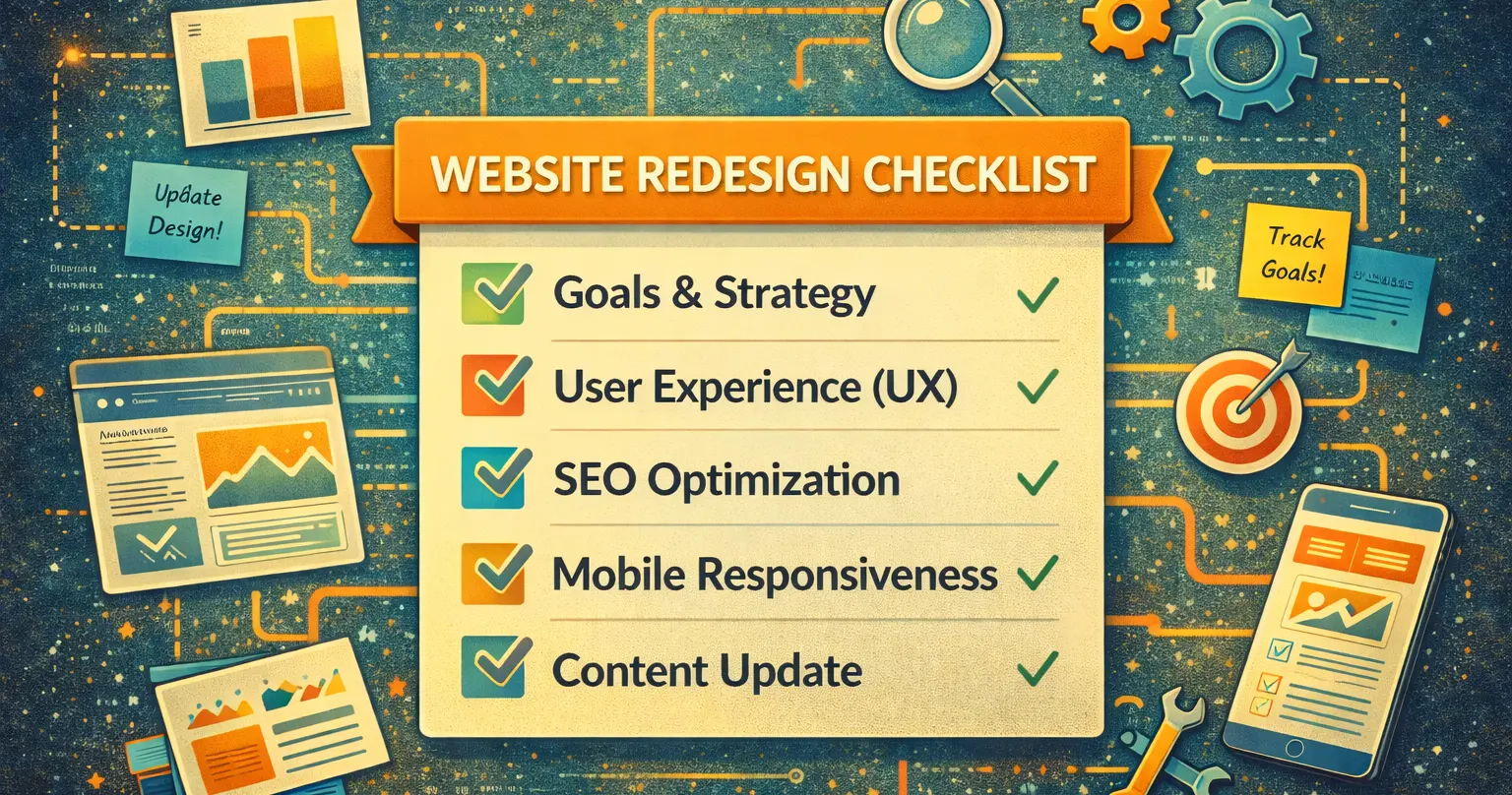

Your website is the digital face of your business. When it starts to feel outdated or doesn’t meet the needs of your customers, a redesign can be the perfect solution. But tackling site redesigns without a clear plan can lead to wasted time, unnecessary costs, and lost visitors. This guide will walk you through the process of planning and executing successful site redesigns that enhance your online presence and drive results.
What Are Site Redesigns and Why Do They Matter?
A site redesign involves reworking your website’s design, structure, and functionality to improve its appearance, performance, and usability. Unlike a simple refresh, which might involve updating colors or images, redesigns often include more significant changes to navigation, content, or technical features.
Here’s why redesigns matter:
- Improved User Experience: Modern layouts and intuitive navigation keep visitors engaged, reducing bounce rates.
- Better Performance: Faster load times and optimized designs can help retain users who might otherwise leave.
- SEO Advantages: Updated content, improved site speed, and modern structures can give your site a boost in search engine rankings.
- Brand Consistency: A redesign ensures your site aligns with your current branding and marketing goals.
For example, small businesses often report improved lead generation and customer engagement after making their sites mobile-responsive or streamlining their checkout processes.
When Should You Consider a Site Redesign?
Redesigning a website is a significant investment of time and resources, so it’s important to recognize the right time to make this move. Here are some clear signs:
- Poor Mobile Experience: If your site isn’t mobile-friendly, you’re losing potential customers.
- High Bounce Rates: If analytics show visitors are leaving quickly, it might be due to poor design or slow loading times.
- Outdated Appearance: A site that looks old or cluttered can hurt your credibility and brand image.
- Low Search Rankings: If your competitors consistently outrank you, a redesign might help improve SEO.
- Brand Changes: If your business has rebranded or expanded, your site should reflect these updates.
A good rule of thumb: if you’ve made significant updates to your business, industry trends, or user expectations, it’s time to revisit your website’s design.
Steps to Plan and Execute Successful Site Redesigns
Effective site redesigns don’t happen by accident. Follow these steps to ensure your project is smooth and impactful.
1. Evaluate Your Current Site
Before jumping into a redesign, take a close look at your existing site. Tools like Google Analytics and Hotjar can help you identify issues such as:
- Pages with high bounce rates.
- Slow-loading elements.
- Navigation problems that frustrate users.
You can also conduct a user survey to gather direct feedback. Ask visitors what they like about your site, what they find confusing, and what features they’d like to see.
2. Define Your Goals
Setting clear objectives ensures that your redesign serves a purpose. For example:
- Increase Conversions: Simplify the sales funnel or enhance call-to-action buttons.
- Improve Mobile Usability: Ensure the new site is responsive across devices.
- Boost SEO Performance: Update outdated content and structure for search engines.
Use SMART (Specific, Measurable, Achievable, Relevant, Time-bound) goals. For instance, aim to increase online sales by 20% within six months of launching the new site.
3. Conduct Competitive Research
Your competitors’ websites can be a valuable source of insight. Identify their strengths and weaknesses by evaluating:
- Visual design and branding.
- Ease of navigation.
- Features such as live chat or resource hubs.
Tools like SEMrush or Ahrefs can show you how competitors perform in search rankings. Aim to incorporate features or strategies they use successfully while avoiding their missteps.
4. Create a Detailed Redesign Plan
A well-thought-out plan keeps your project on track and ensures alignment between teams. Include:
- Sitemap: Outlining your site’s structure and new pages.
- Wireframes: Sketches or mockups of your site’s layout.
- Content Plan: A roadmap for updating existing content and creating new assets.
5. Collaborate With the Right Team
The success of a redesign often depends on the people executing it. Consider hiring experts such as:
- UX Designers: To improve usability and navigation.
- Writers: Great content always beats pretty design.
- SEO Specialists: To ensure your site is search-engine-friendly.
- Developers: For custom features or integrations.
If you’re redesigning in-house, consider using project management tools like Trello or Asana to streamline collaboration.
6. Focus on SEO During Redesign
A redesign is an opportunity to improve your search engine visibility. Follow these SEO best practices:
- Keyword Optimization: Update meta titles, descriptions, and on-page content with targeted keywords like “site redesigns.”
- URL Structure: Maintain consistency, and use 301 redirects for outdated URLs.
- Image Optimization: Compress images and add alt text for better load times and accessibility.
- Mobile Optimization: Use Google’s Mobile-Friendly Test to ensure your site is responsive.
7. Test Thoroughly Before Launch
Testing is one of the most important steps. Pay attention to:
- Site Speed: Use tools like PageSpeed Insights to identify bottlenecks.
- Responsiveness: Check how your site looks and functions on different devices.
- Functionality: Ensure all forms, buttons, and links work correctly.
Gather feedback from beta users or trusted customers to identify final improvements.
8. Launch and Monitor
Launch your redesigned site during low-traffic hours and monitor performance closely:
- Analytics Tracking: Ensure all Google Analytics tags are correctly configured.
- Customer Feedback: Actively seek feedback from visitors to identify any areas for improvement.
The Benefits of Regular Site Redesigns
Consistently updating your website isn’t just about keeping up appearances. Here’s how it benefits your business:
- Increased Revenue: A better user experience leads to higher conversions.
- Stronger SEO Rankings: Redesigns help you stay competitive in search results.
- Improved Customer Trust: A modern site builds credibility with visitors.
FAQs
1. How long does a site redesign take?
Typically, redesigns take 6-8 weeks, but timelines vary depending on the scope of work.
2. How much does a site redesign cost?
Costs range from $3,000 to $50,000 or more, depending on complexity and features.
3. What should I prioritize during a redesign?
Focus on usability, mobile responsiveness, and SEO optimization.
4. Do I need to hire professionals for a redesign?
While DIY options exist, hiring experts ensures a high-quality result.
5. Can I redesign my site without losing SEO rankings?
Yes, with proper planning. Use 301 redirects, optimize meta data, and avoid major changes to high-ranking content.
External Resources for Further Learning:
See how Atomic can help you with site redesigns by visiting our homepage. We specialize in creating designs that drive traffic and meet your business goals. and meet your business goals.